
For players in Bangladesh who prefer using a phone, the Melbet Android app can provide convenient access to sports betting and casino games. This guide explains how to find the APK, install it, and check the account and payment options before playing. App availability, features, and payment methods can vary by location and over time, so confirm the current details on Melbet’s official platform before proceeding.
What the Melbet APK Offers
An APK is an Android application package used to install an app outside the Google Play Store. Melbet may provide an Android version through its website or another official distribution channel. The app is designed for mobile use, with account access, betting markets, and casino sections presented in a phone-friendly interface.
Before downloading anything, make sure you are on the genuine Melbet website for your region. Search results, social media posts, and unofficial APK repositories can lead to modified or outdated files. A counterfeit app could expose login details or payment information. Do not install a file unless you can verify its source and the operator’s current instructions.
How to Download and Install on Android
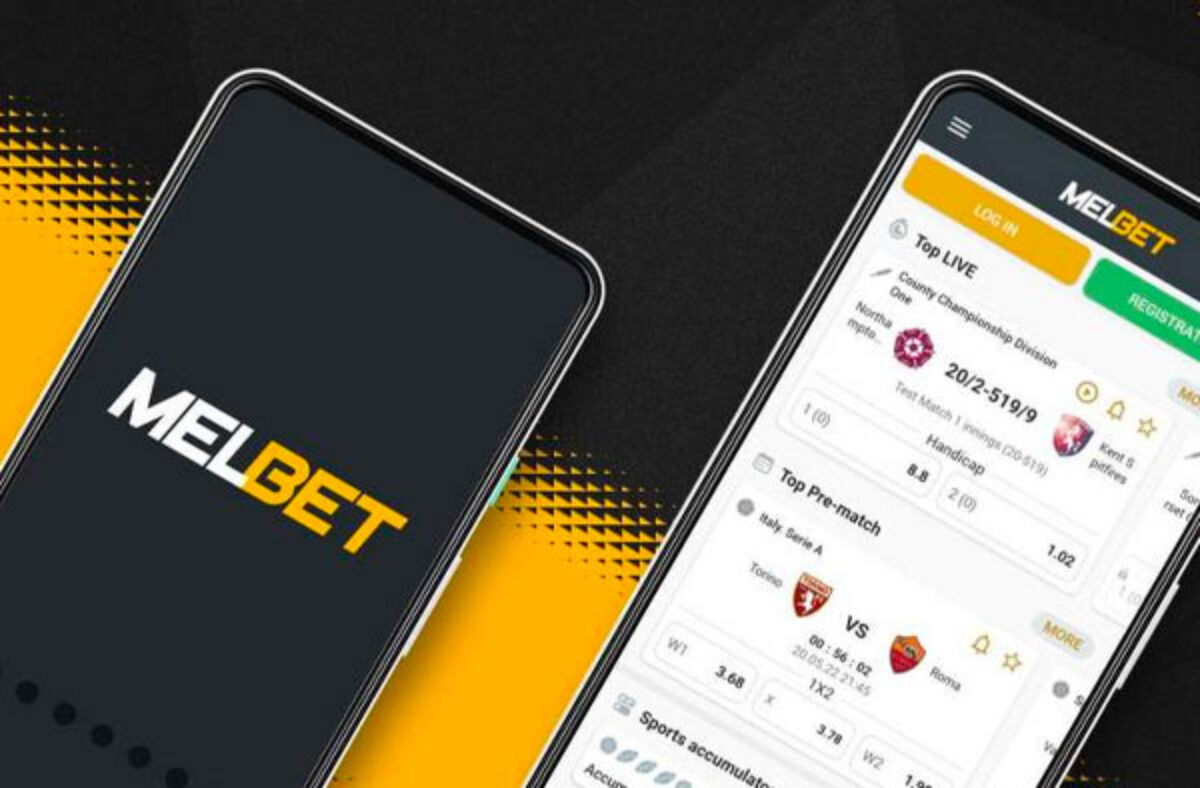
Check your phone and the official source
First, confirm that your Android version meets the app’s current requirements and that your device has enough free storage. Open the official Melbet site in a browser and look for its Android app or APK section. If the site offers different versions, read the accompanying instructions and choose the one intended for your device.
Allow installation from the relevant source
Android may block APK installation by default. If you choose to continue, your phone may ask you to allow installs from the browser or file manager you are using. The exact setting varies between Android versions and manufacturers. Enable permission only for the trusted source involved in the installation, rather than turning off security protections broadly.
Open the downloaded file
After the download finishes, open the APK from your browser’s downloads list or your phone’s file manager. Review the installation prompt and check that the app name and source match what you expected. If Android displays an unexpected warning, the file came from an unfamiliar location, or the requested access seems unrelated to the app’s purpose, cancel the installation.
Complete setup and sign in
Once installed, open the app and sign in to an existing account or follow the registration process shown on the official platform. Use a strong, unique password and keep verification codes private. If you already have an account, avoid creating another one unless Melbet’s rules explicitly allow it; duplicate accounts can create verification or withdrawal problems.
First Checks After Installation
Before depositing, explore the app without placing a bet. Check that the interface loads properly, the account details are correct, and the relevant sections are available in your region. Look for the terms covering eligibility, identity verification, bonuses, deposits, and withdrawals. The language, currency, and payment choices shown to one user may differ from those available to another.
It is sensible to test the app on a stable internet connection and install updates only through an official channel. If the app crashes or will not open, restart the device, check available storage, and confirm that the APK version is current. Avoid “fixed” or “unlocked” APK files advertised by third parties. If the problem continues, contact support through the official website rather than sharing account details with a person claiming to provide technical help.
Deposits, Payments, and Responsible Use
Payment availability is particularly important for users in Bangladesh; Review the cashier inside your account to see which methods are currently supported, what currencies and limits apply, and whether identity checks are required. Some methods may be unavailable, delayed, or subject to extra conditions. Never send funds to a personal account or follow payment instructions from an unofficial social media page.
For users checking fund addition using e-wallets in Bangladesh, the cashier is the place to verify whether an e-wallet is currently supported, along with its minimum and maximum amounts, processing time, and any applicable fees. Names and availability can change, and a method appearing in general promotional material does not guarantee that it is available to every account. Keep transaction receipts and make sure the account holder’s details comply with the operator’s rules.
Only use the service if online gambling is lawful for you and you meet the applicable age requirement. Laws and regulations can change, so check reliable local guidance rather than assuming that access to an app means an activity is permitted. Set a spending limit before playing, use money you can afford to lose, and take a break if gambling stops being enjoyable. Betting outcomes are uncertain; no strategy or app feature guarantees a profit.
Practical Tips for a Safer Experience
- Verify the source: Download only from a channel linked to the official Melbet platform.
- Protect your account: Use a unique password and never share one-time codes.
- Read the terms: Check bonus wagering rules and withdrawal conditions before accepting an offer.
- Confirm payment details: Review limits, fees, and processing times in the cashier before transferring money.
- Keep the app current: Use official updates and remove old APK files you no longer need.
- Set boundaries: Decide on a time and budget limit before opening casino games or betting markets.
Frequently Asked Questions
Is the Melbet APK available for every Android phone?
Not necessarily. Compatibility depends on the app’s current requirements, Android version, device configuration, and regional availability. Check the official download page for current information. If your phone is not supported, do not try to force installation with an unofficial build.
Why does Android ask for permission to install the APK?
Android treats apps installed outside the Play Store as a separate source and may require permission for the browser or file manager handling the APK. Grant it only when you trust the source and have confirmed that the file is genuine. You can review or revoke this permission in your device settings afterward.
Can I use the same account on the app and website?
Melbet’s account rules determine whether the same credentials work across its app and website. Use the official sign-in option, and contact support if you cannot access your account. Do not provide your password or verification code to anyone offering to recover it.
What should I do if a deposit or withdrawal is delayed?
Check the transaction status, stated processing times, and any verification requests in your account. Keep the transaction reference and contact official support if the expected period has passed. Avoid sending another payment simply because someone online promises to speed up the original transaction.
Overall Impression
The Melbet APK can be a convenient way for eligible Android users in Bangladesh to access the operator’s mobile services, provided the app is obtained from a verified source and works with their device. The main steps are straightforward: check compatibility, download through an official channel, install carefully, and review account and payment terms before depositing. Regional availability and rules may differ, so treat the cashier and official terms as the final reference. Above all, protect your personal information, check local requirements, and approach betting as paid entertainment rather than a way to earn income.